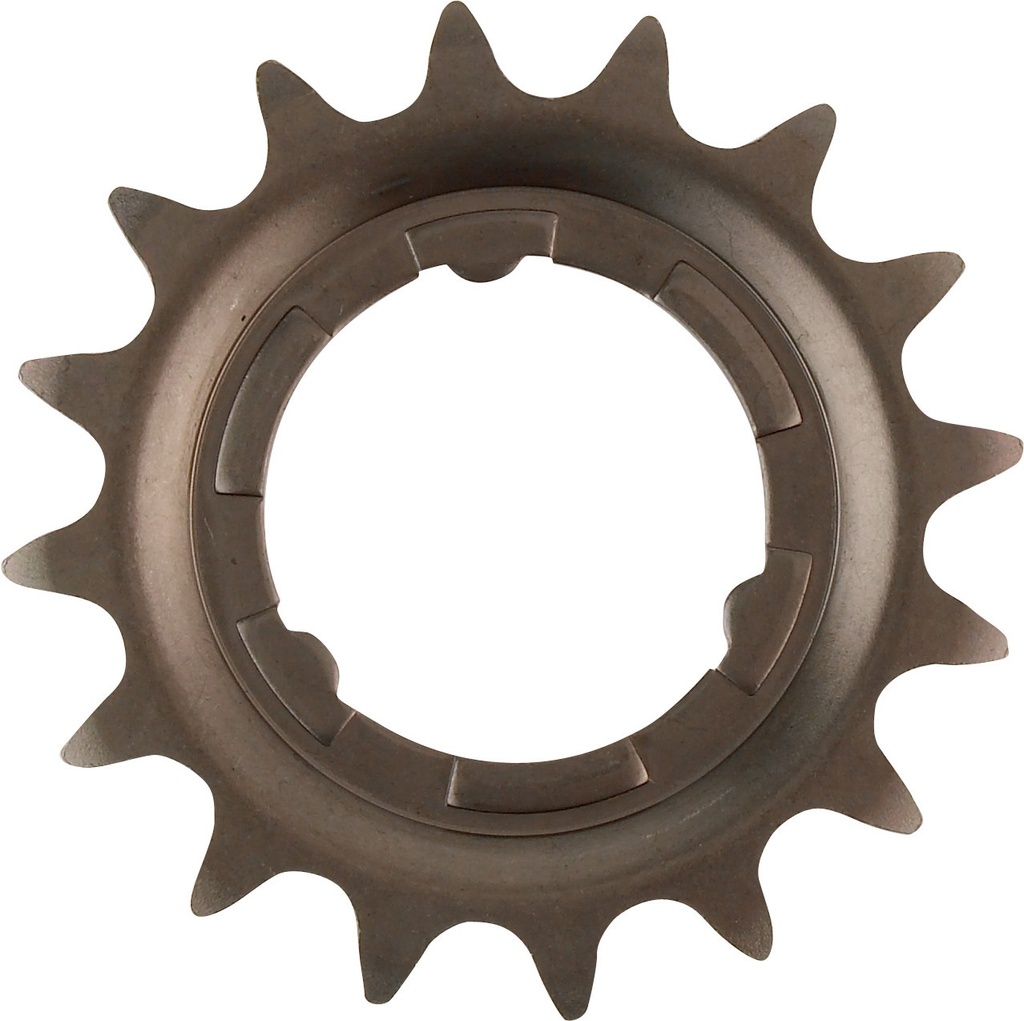
22T sprocket for Nexus geared hubs - suitable for the Brompton G line
This is a 22 tooth sprocket which is compatible with Nexus hubs, it is also compatible with the Brompton G line (manual not electric) - but it is the largest sprocket that the derailleur can handle!
|
The pack consists of:
|
To remove the rear wheel:
- Ensure the bike is in the highest gear, 8
- Push the tab washer clockwise to disengage the gear cable, then pull the gear cable to disconnect it from the cable slip
- Undo the chain catcher arm using a 2mm Allen key, pull it upwards
- Remove the chain from the chain ring to give some slack
- Undo the wheel nuts using a 15mm spanner
- Remove the tab washers and the bolts from the axle - keep them safe
- Remove the wheel from the dropouts and take the chain off the sprocket
- Do Not squeeze the brake lever while the wheel is out, as tis will cause the brake pads to touch
- Remove the sprocket by taking the circle off using a flat head screw driver
Fitting the rear wheel:
- Install the new sprocket
- Secure using he circlip
- Rotate the assembly until the cable bracket is parallel with the drive side chain stay
- Loop the chain around the sprocket
- insert the wheel fully in the drop outs
- Make sure the disc rotor is in teh brake pads
- Insert the tape washers with the white one on the non-drive side
- Using the 15mm spanner tighten the drive side first
- Then using the torque wrench tighten both side to 30Nm
- Refit the chain n the chain ring and then re-install the chain catcher
- Push the gear cable into the cable clip then rotate the assembly clip
- Push the flat slide of the cable nut in the slot
- There should be no reason to index the gears, just check they are working properly